
2-Player Online Ping Pong
Wait in the public lobby for another player to sit down, or open a private room and send the link to a friend. The host picks who serves first before the match starts. Once both seats are taken, anyone who arrives later can only watch.
Create a room
Choose public or private, then send the link or room code to your opponent.
A public room uses a shorter code and shows up in the lobby while it waits for an opponent. This browser can host only one public room at a time.
Join a room
Paste a friend's link or enter a room code. If the room is still waiting, you sit down and play. If the match has started, you can only watch.
Leaving on your own does not end the match. The host can come back from My rooms or close the room. If both players disconnect, the room stays open for about 20 minutes. A room code is only for this match and does not store personal information.
Room lobby
My rooms
0Waiting for opponent
0In progress
0Creating public room…
Assigning a room code. Please wait.
Public room created
Send the link or room code to a friend. The match starts when they join.
You sit at the near end and serve first. Your opponent plays across the table. The match still starts in this order when they join.
Connection interrupted. Reconnecting…
Join a room
We found a room in the shared link. Connect now, or edit the room code first.
Entering the room…
Connecting to room . Please wait.
Connection interrupted. Reconnecting…
Your opponent left the room
They disconnected. Return to the lobby to create or join a room.
Connection failed
That room was not found. The code or link may be wrong, or the room may already be closed. Check it and try again.
Online Ping Pong
Wait in the lobby, or send a friend the link
A public room shows up in the lobby and waits for another player. A private room stays off the list. Only someone with the link or the room code can join. The host picks who serves first before the match starts. Once both seats are taken, later arrivals can only watch.
After you join
Send the link or the room code. When the other player sits down, the table appears. Flick up to serve.
If you disconnect, the same browser can get you back to that seat for about 20 minutes. The host can also reopen the room from My rooms.
Leaving on your own does not end the match. To end it, resign, or have the host close the room.
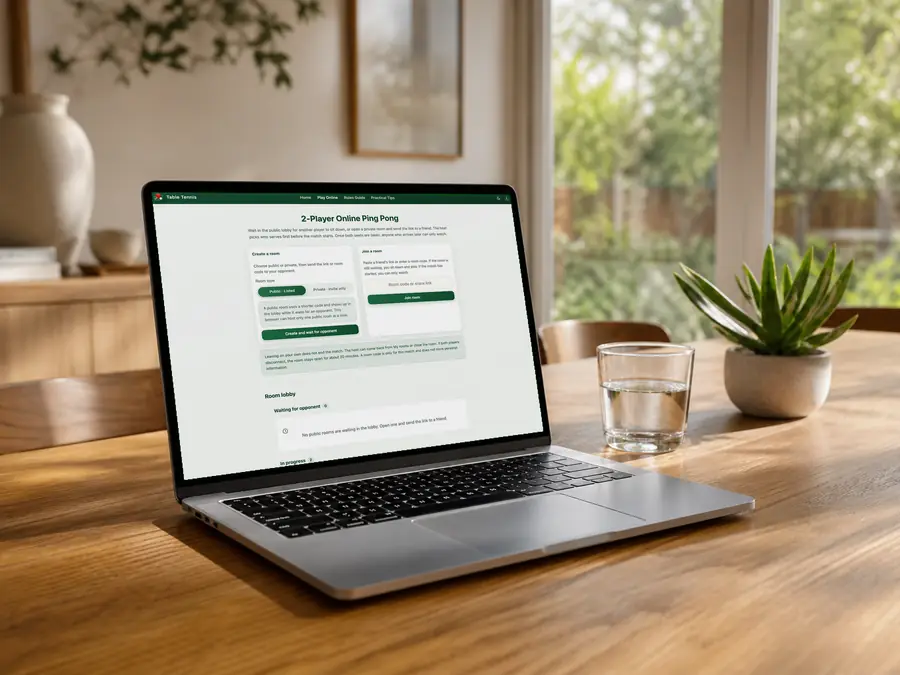
Wait in the public lobby
A public room uses a shorter code and appears in the lobby as soon as it is waiting. This browser can host only one public room at a time.
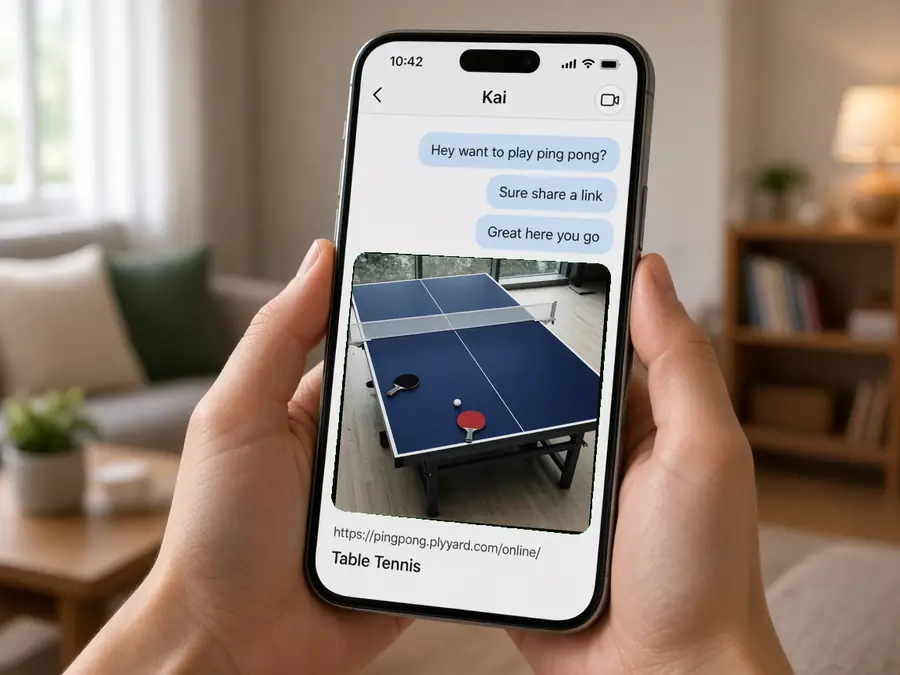
Send a private link to a friend
A private room does not appear in the lobby. Send the link, and your friend can sit down as soon as they open it.
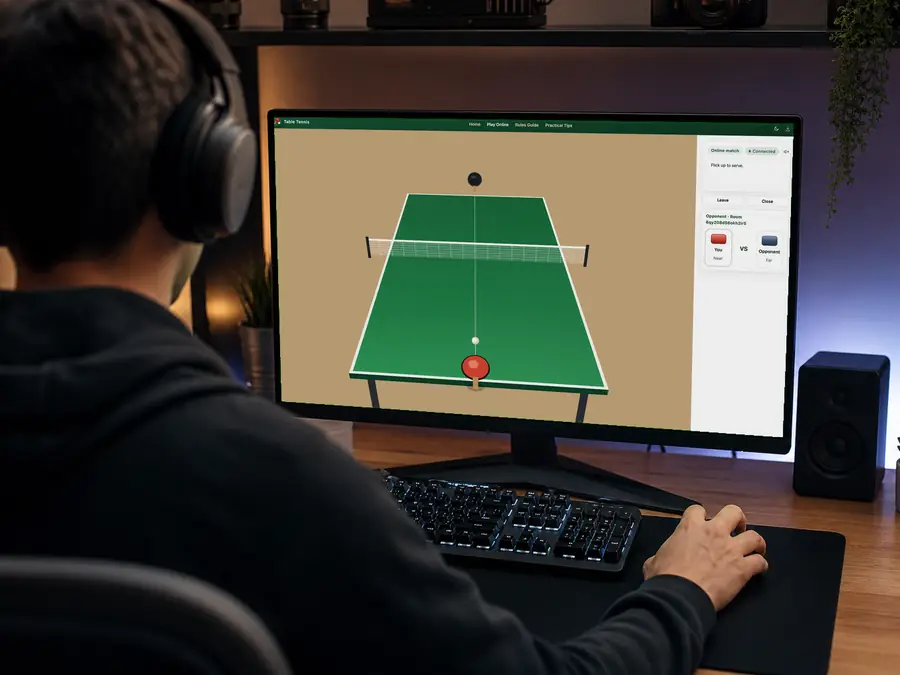
The ball and the score stay in sync
Both swings are scored by the room, so spectators see the same ball. The room closes when the match ends or both players leave.
Common questions
What if my friend cannot open the link?
Send the full address from the link, not just the site home page. If the room is still waiting, they can sit down and play. If the match has already started, they can only watch.
Can I come back if I disconnect mid-match?
Yes. Use the same browser, and you can return to your seat for about 20 minutes. After that, the room closes.
Who serves first?
While the room is waiting, the host chooses to serve or to let the other player serve. The match starts in that order once both players are seated, then service changes every two points.
Does a game against the AI upload each shot?
No. Practice against the AI stays in this browser. The ball and the seats are shared only when you open an online room and play someone else.